

How to Get PageSpeed Insights API key?
Table of Contents
Get your free API key at: https://developers.google.com/speed/docs/insights/v5/get-started
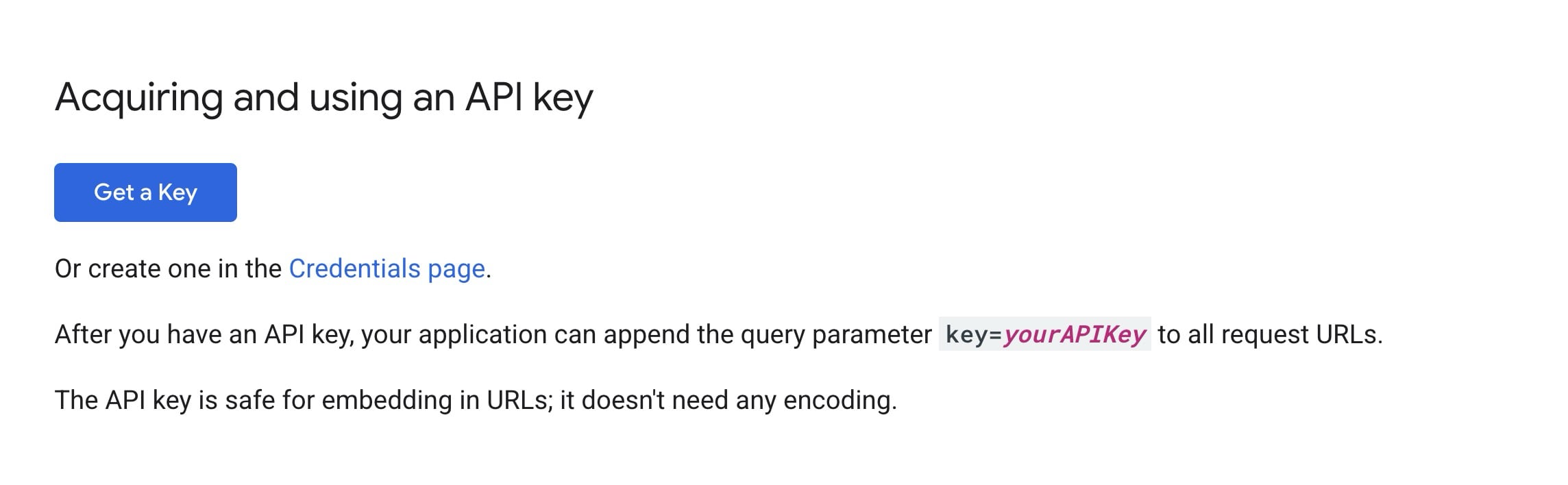
Click on the Get a Key button shown on the image below. Next, create or select a Google Cloud project, and copy the generated key.
Video: How to Get PageSpeed Insights API key? #
Step-by-Step Guide #
- Log in to your Google Account
- You’ll need a Google account to access the Google Cloud Console.
- Visit the PageSpeed Insights API documentation
- Click “Get a Key”
- This button opens a popup in the Google Cloud Console.
- Select or Create a Project
- Choose an existing project or create a new one specifically for PageSpeed Insights.
- Generate the API Key
- Google will instantly provide you with a key. Copy it.
Quotas and information #
– API Provider: Google PageSpeed Insights API v5
– Daily Quota: 25,000 requests (free)
– Test Duration: 10-30 seconds per test
– Data Source: Google Lighthouse + Chrome UX Report